
Avoiding Downtime: Tips for Smooth CRM Transitions
Transitioning to a new Customer Relationship Management (CRM) system can be a daunting task for any business. However, with careful planning and execution, it's possible to minimize downtime and ensure a smooth transition. Here are some tips to help you navigate this process effectively.
Plan Thoroughly
Before making any changes, it's crucial to plan every step of the transition. This includes identifying your objectives, setting a timeline, and allocating resources. A well-thought-out plan will act as a roadmap, guiding your team through the transition process.
Assess Your Current System
Begin by evaluating your current CRM system to identify what works and what doesn’t. This assessment will help you define the features you need in a new system and avoid unnecessary disruptions. Understanding your current pain points can lead to a more informed decision.
Involve Your Team
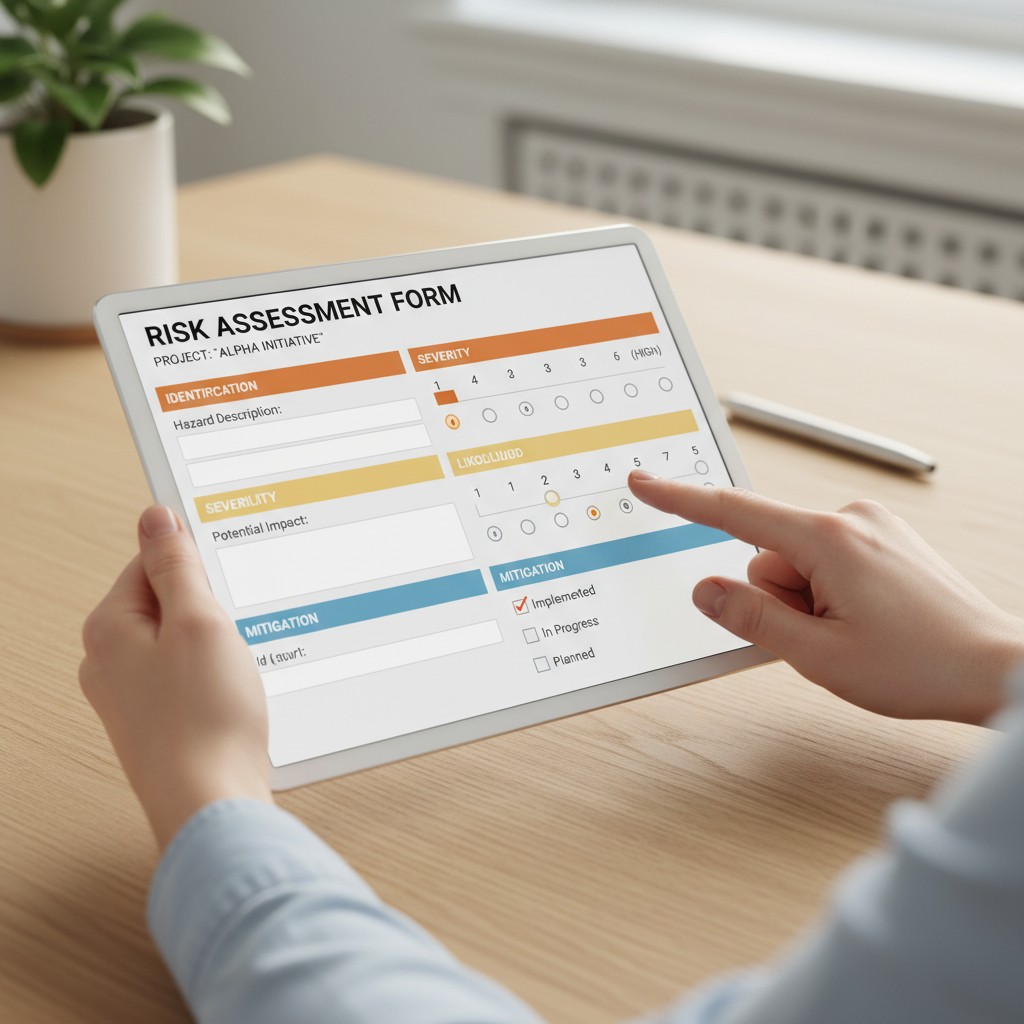
Engage your team early in the process. Their input can provide valuable insights into the daily challenges they face with the current system. Moreover, involving them in the decision-making process increases their buy-in and helps ensure a smoother transition.
Choose the Right CRM
Selecting the right CRM is critical to the success of your transition. Consider factors such as scalability, integration capabilities, and user-friendliness. It's also wise to choose a CRM that offers robust customer support to assist you during the implementation phase.
Test the System
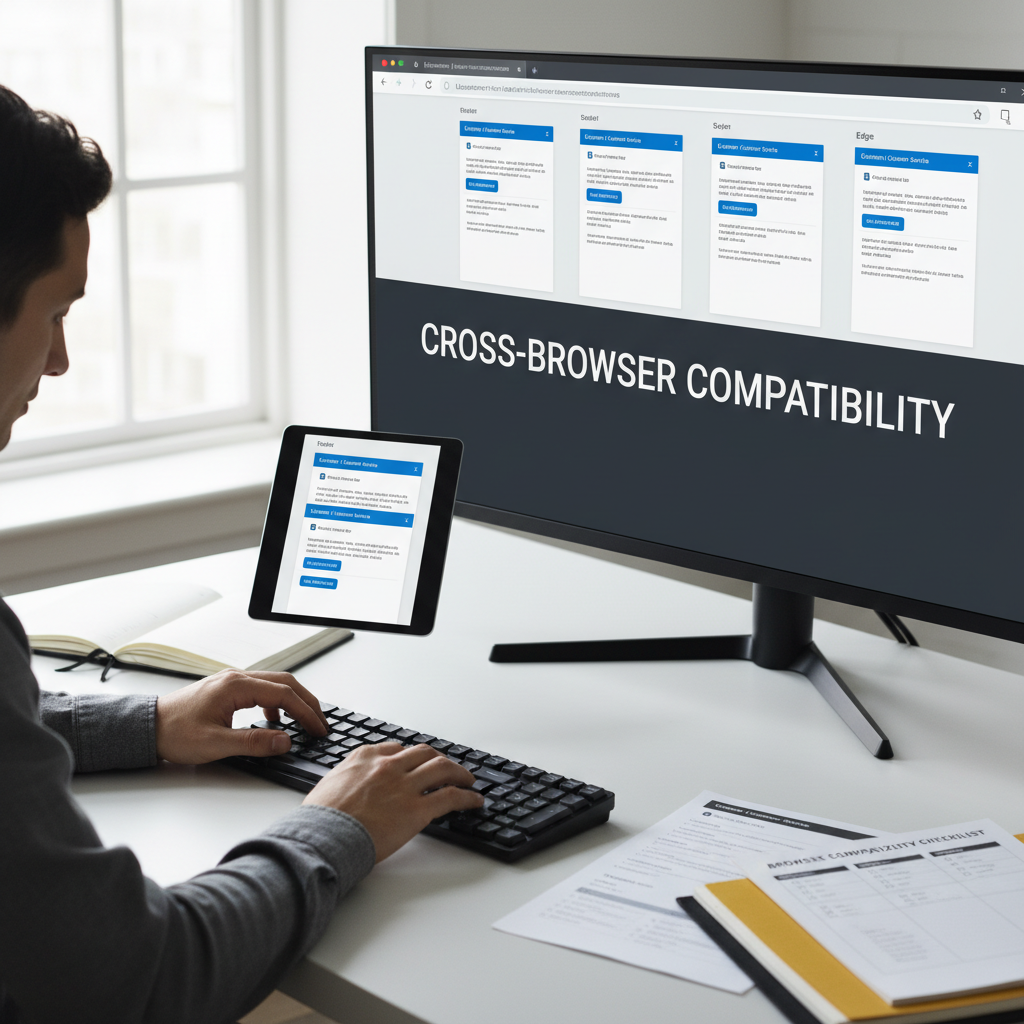
Before fully implementing the new CRM, run tests to ensure everything works as expected. Testing allows you to identify potential issues and address them before they impact your operations. This step is crucial in minimizing downtime.
Train Your Team
Training is essential for a successful CRM transition. Provide comprehensive training sessions to acquaint your team with the new system. This helps reduce errors and increases efficiency, ensuring that your team can leverage the CRM’s full potential.
Develop a Support Plan
Even with the best planning, issues may arise. Having a support plan in place ensures that you can quickly address any problems. This plan should include access to technical support, a troubleshooting guide, and clear communication channels.
Monitor and Adjust
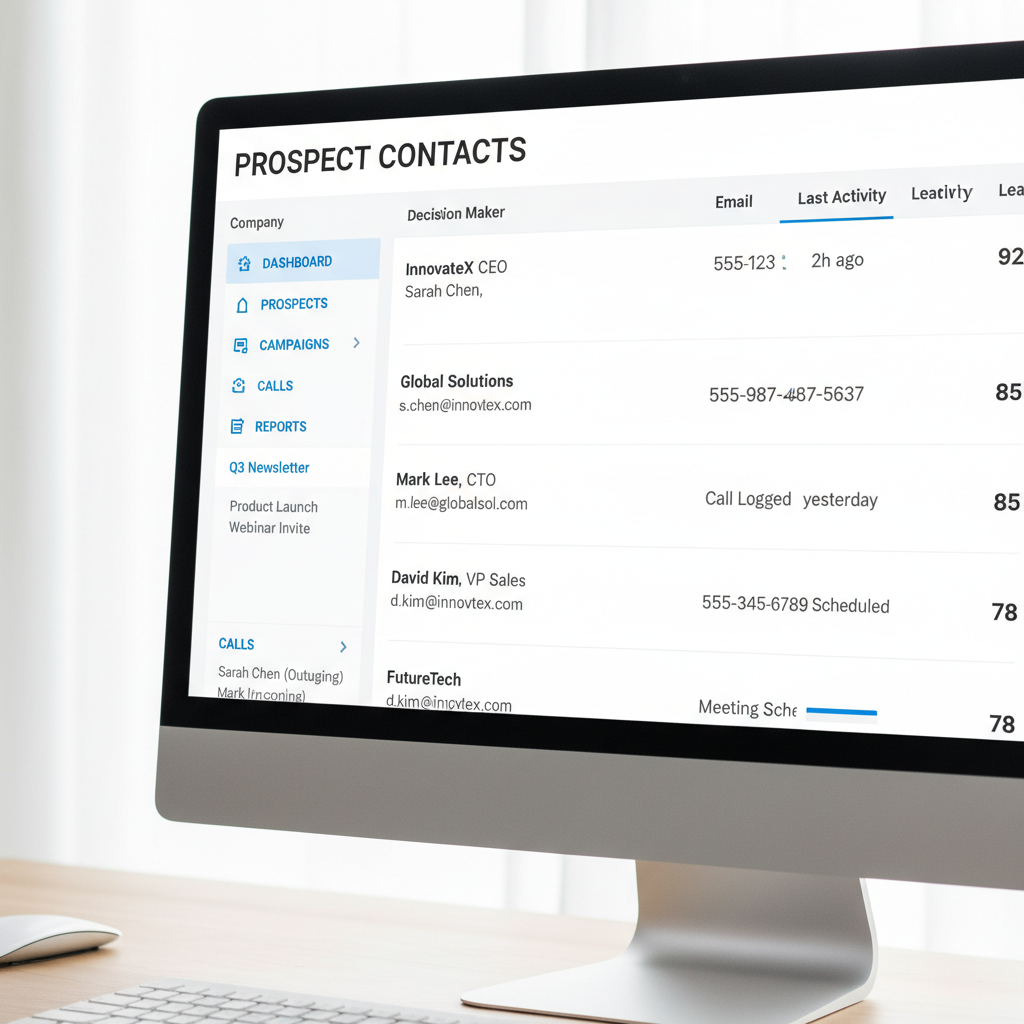
After the transition, continuously monitor the new CRM’s performance. Gather feedback from your team and make adjustments as needed. This ongoing evaluation helps optimize the system and ensures it meets your business needs over time.
By following these tips, you can significantly reduce downtime and ensure a seamless CRM transition. Remember, the key to success lies in thorough planning, informed decision-making, and ongoing support.