
The Ultimate Guide to CRM Data Migration for Contractors
Understanding CRM Data Migration
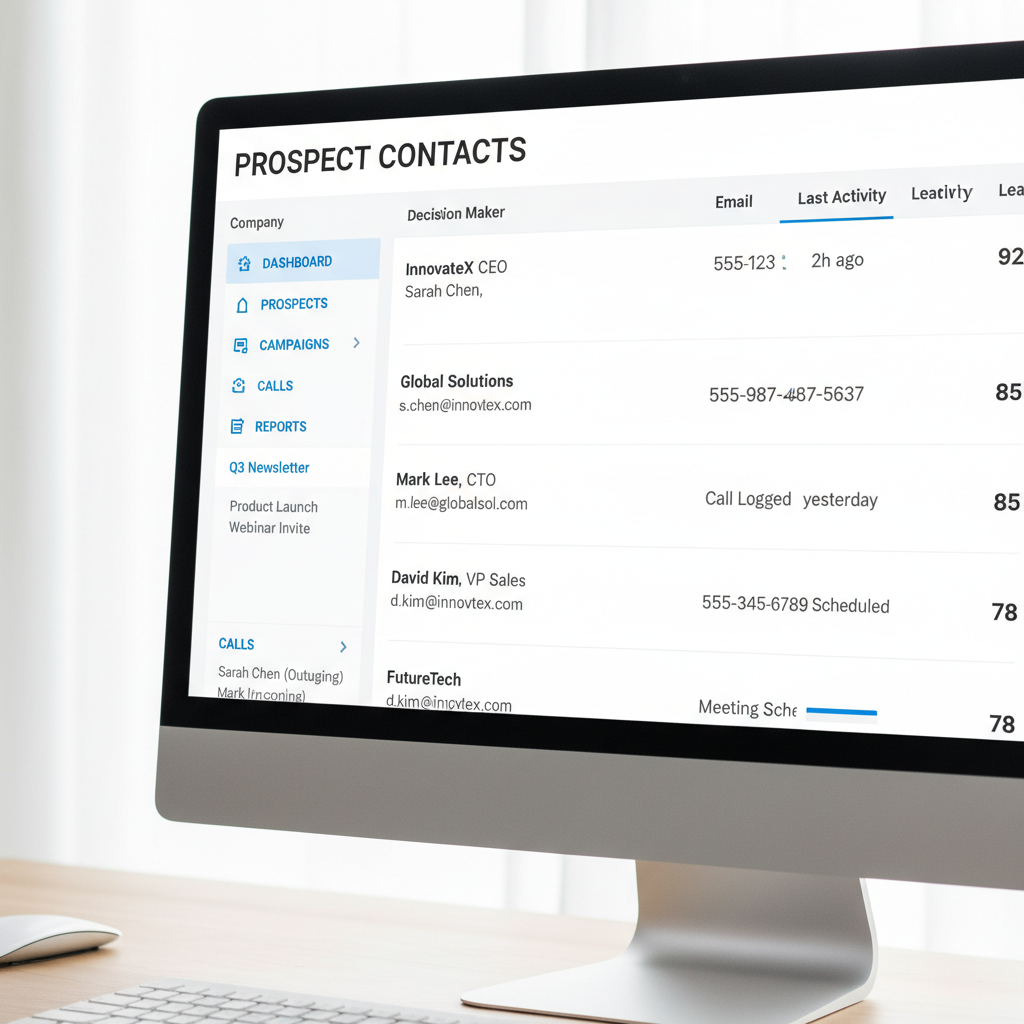
In the fast-paced world of contracting, managing customer relationships efficiently is crucial. One way to enhance this management is by migrating to a new Customer Relationship Management (CRM) system. CRM data migration involves transferring all relevant client data from an old system to a new one. This process can be daunting, but with careful planning and execution, it can streamline operations and improve client interactions.
Why Contractors Need CRM Data Migration
Contractors often deal with a substantial amount of client information, from project details to contact histories. Migrating to a new CRM can offer improved features, better integration with other tools, and enhanced data analytics capabilities. These benefits help contractors manage projects more efficiently and deliver better customer service.
Additionally, as technology evolves, older CRM systems may become obsolete or incompatible with new software, necessitating an upgrade to stay competitive.
Steps to Successful CRM Data Migration
1. Define Your Objectives
Before beginning the migration process, clearly define what you aim to achieve. Are you looking for better data organization, improved reporting capabilities, or enhanced integration with existing tools? Understanding your goals will guide the migration process and help in choosing the right CRM system.
2. Data Assessment and Cleaning
Assess the data you currently have and determine what is essential to transfer. This is an excellent opportunity to clean up your database by removing duplicates, correcting errors, and updating outdated information. Data quality is crucial for the effectiveness of your new CRM.

3. Choose the Right CRM
Select a CRM system that aligns with your business needs and supports your defined objectives. Consider factors such as ease of use, scalability, and integration capabilities. Conduct thorough research and possibly test out a few options before making a decision.
Implementing the Migration Process
4. Plan Your Migration Strategy
Develop a detailed migration plan that outlines the timeline, resources needed, and potential risks. Decide whether you’ll conduct the migration in-house or hire external experts. A phased approach may help minimize disruptions to daily operations.
- Back up your current data.
- Map data fields between the old and new CRM systems.
- Test the migration process with a small data set first.

5. Execute and Monitor
Once you’ve planned the strategy, execute the migration, ensuring that all stakeholders are informed and involved. Monitor the process closely to address any issues that arise promptly. Keep communication open with your team to ensure everyone is aligned and aware of the progress.
Post-Migration Best Practices
6. Training and Support
After migration, provide comprehensive training to your team on the new CRM system. This ensures smooth adoption and maximizes the benefits of the new system. Continuous support and resources should be available to address any challenges that users might face.
By following these guidelines, contractors can achieve a successful CRM data migration, leading to improved efficiency, better client management, and enhanced overall business performance.